Snapshots
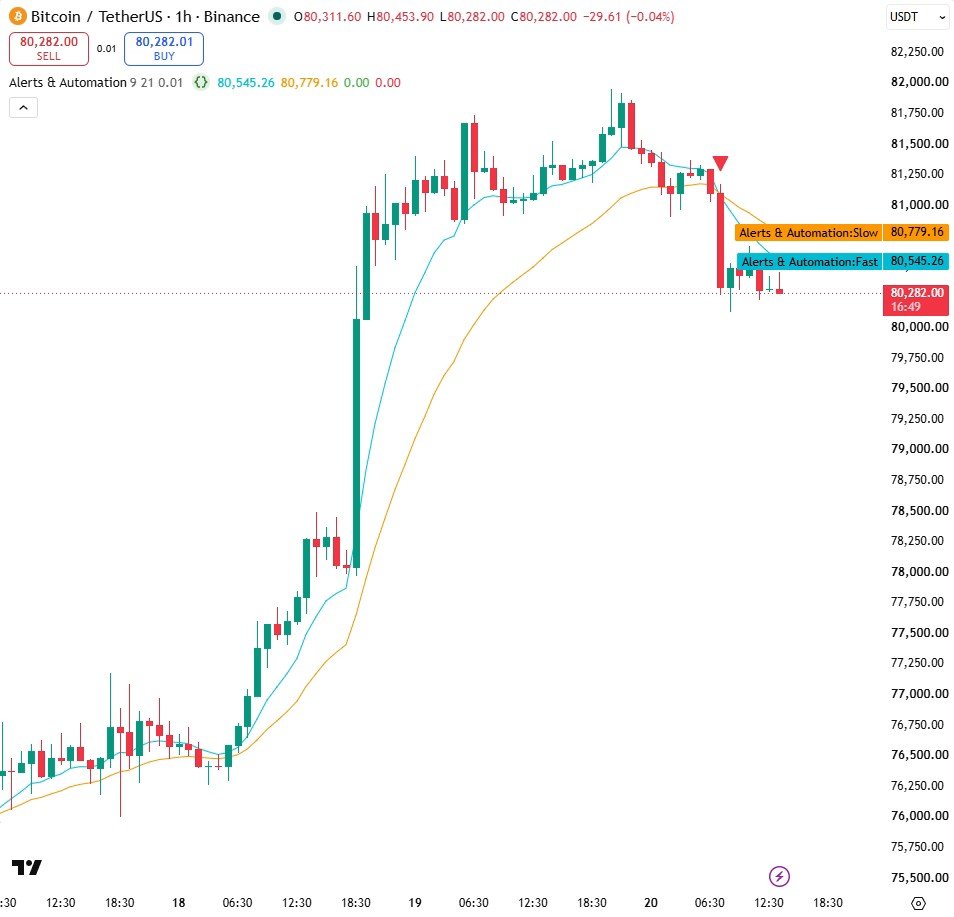
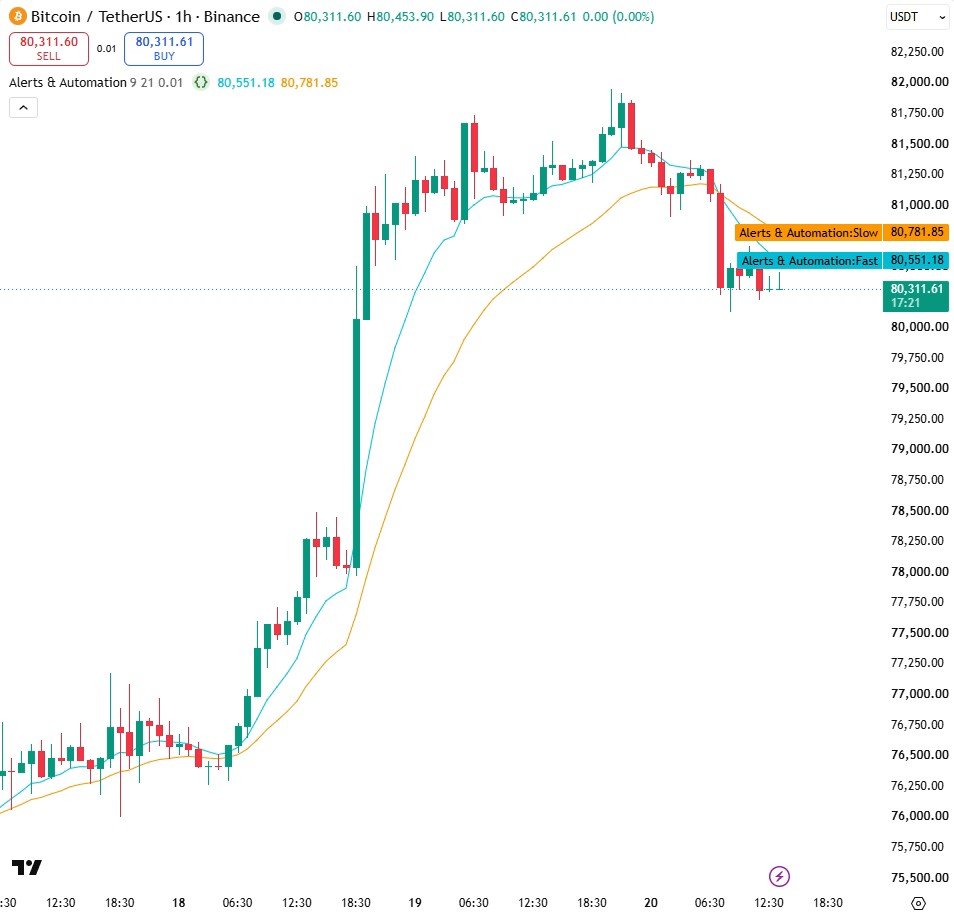
How it works
- alertcondition() adds an entry to the alert menu. alert() fires from inside the code and can build the message while the script runs.
- barstate.isconfirmed means the alert only fires on a finished candle, so a signal cannot vanish after it fires.
- The JSON message is plain text in a shape a program can read: send it to a webhook and your own program places the order.
Settings
| Setting | Default | What it does |
|---|---|---|
| Fast average | 9 | Fast EMA length |
| Slow average | 21 | Slow EMA length |
| Order size to send | 0.01 | The quantity written into the JSON message |
Source code
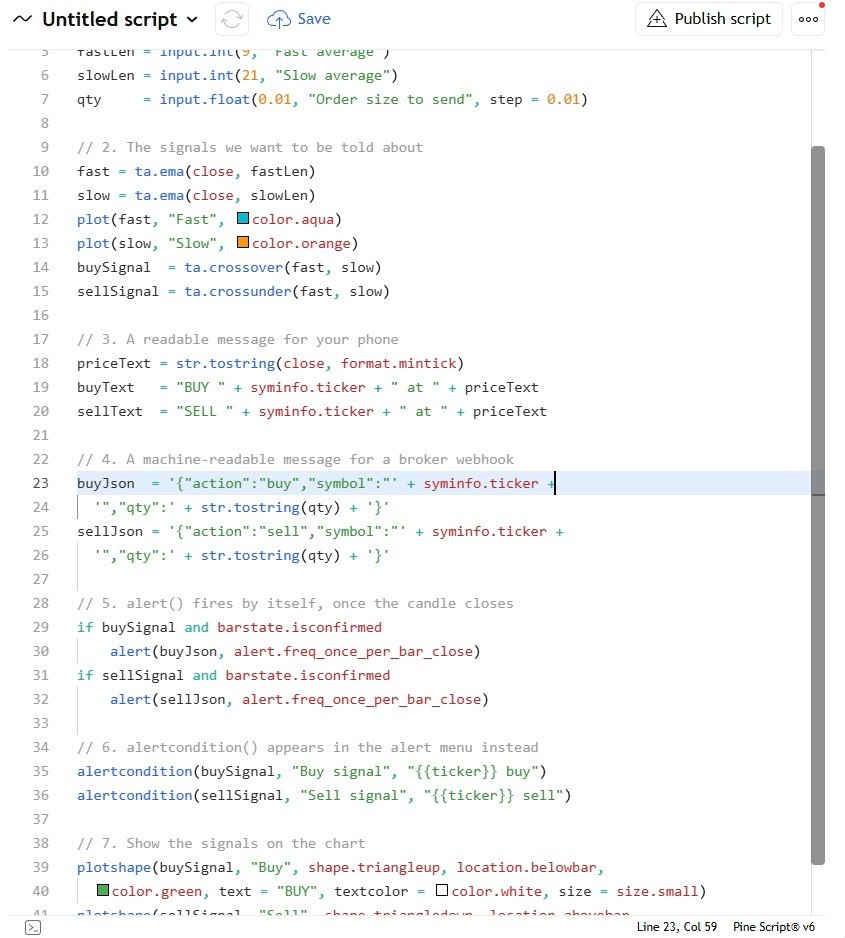
In TradingView: open the Pine Editor, create a new indicator, paste the code, then click "Add to chart".
//@version=6
indicator("Alerts & Automation", overlay = true)

// 1. Settings
fastLen = input.int(9, "Fast average")
slowLen = input.int(21, "Slow average")
qty     = input.float(0.01, "Order size to send", step = 0.01)

// 2. The signals we want to be told about
fast = ta.ema(close, fastLen)
slow = ta.ema(close, slowLen)
plot(fast, "Fast", color.aqua)
plot(slow, "Slow", color.orange)
buySignal  = ta.crossover(fast, slow)
sellSignal = ta.crossunder(fast, slow)

// 3. A readable message for your phone
priceText = str.tostring(close, format.mintick)
buyText   = "BUY " + syminfo.ticker + " at " + priceText
sellText  = "SELL " + syminfo.ticker + " at " + priceText

// 4. A machine-readable message for a broker webhook
buyJson  = '{"action":"buy","symbol":"' + syminfo.ticker +
  '","qty":' + str.tostring(qty) + '}'
sellJson = '{"action":"sell","symbol":"' + syminfo.ticker +
  '","qty":' + str.tostring(qty) + '}'

// 5. alert() fires by itself, once the candle closes
if buySignal and barstate.isconfirmed
    alert(buyJson, alert.freq_once_per_bar_close)
if sellSignal and barstate.isconfirmed
    alert(sellJson, alert.freq_once_per_bar_close)

// 6. alertcondition() appears in the alert menu instead
alertcondition(buySignal, "Buy signal", "{{ticker}} buy")
alertcondition(sellSignal, "Sell signal", "{{ticker}} sell")

// 7. Show the signals on the chart
plotshape(buySignal, "Buy", shape.triangleup, location.belowbar,
  color.green, text = "BUY", textcolor = color.white, size = size.small)
plotshape(sellSignal, "Sell", shape.triangledown, location.abovebar,
  color.red, text = "SELL", textcolor = color.white, size = size.small)
Watch it built
This script is written and explained step by step in the video lesson.
Need a custom indicator or strategy?
Non-repainting Pine Script v6, backtested with real costs, alert and webhook ready. Fixed quote within 24 hours.